Key facts
- An archived iNevidimka guide with practical notes for devices, software, and web tools.
- First, you need to download the archive with the program for reflashing and the firmware file itself.
- Since the manufacturer's website is not available, I have prepared everything for you in one folder.
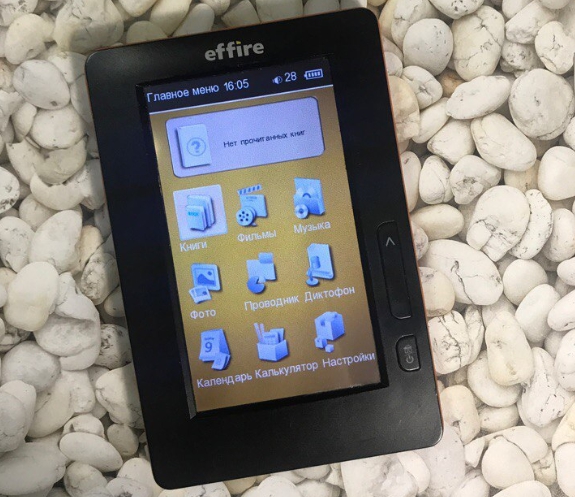
The Effire 401 e-book reader runs on a processor Allwinner поэтому для ее прошивки мы будем использовать программу LiveSuit, о которой мы писали ранее. Также для прошивки можно использовать программу PhoenixSuit
Stages of firmware
First, you need to download the archive with the program for reflashing and the firmware file itself. Since the manufacturer's website is not available, I have prepared everything for you in one folder. You can download the file here https://disk.yandex.ru/d/eYwdb1yNsREPpQ
After downloading, you need to unzip the archive and unzip the archive with the program
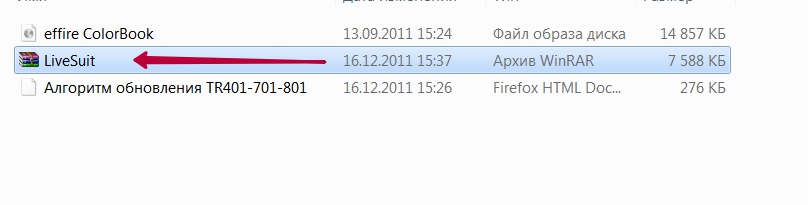
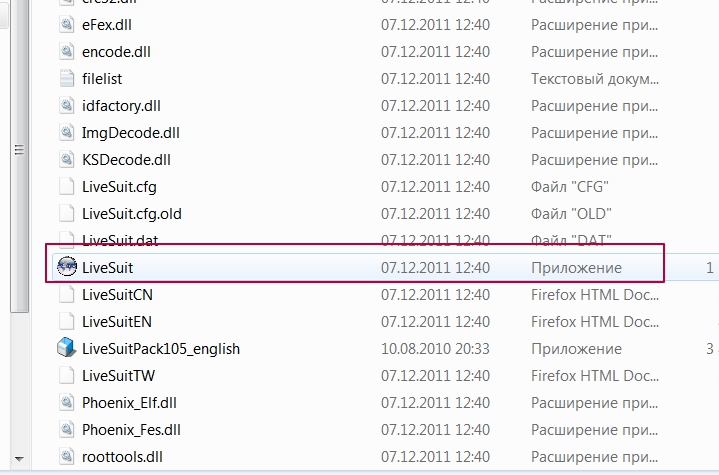
After unzipping, find and run the LiveSuit.exe file
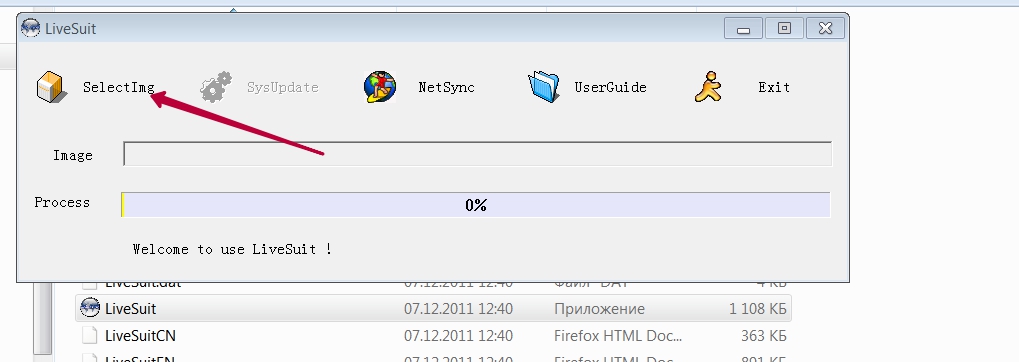
After launching the program itself, click SelecImg and select the file with the firmware
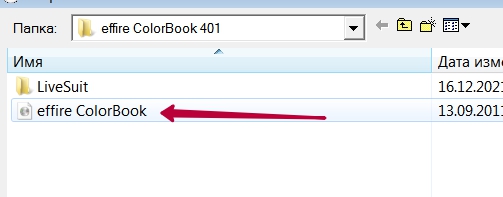
Далее на книжке переводите переключатель на нижней части в положение OFF и подключаете к компьютеру. Если вы впервые подключаете к компьютеру, то Windows начнет устанавливать драйверы. После установки появится два окна с предложением отформатировать внутреннюю память устройства.
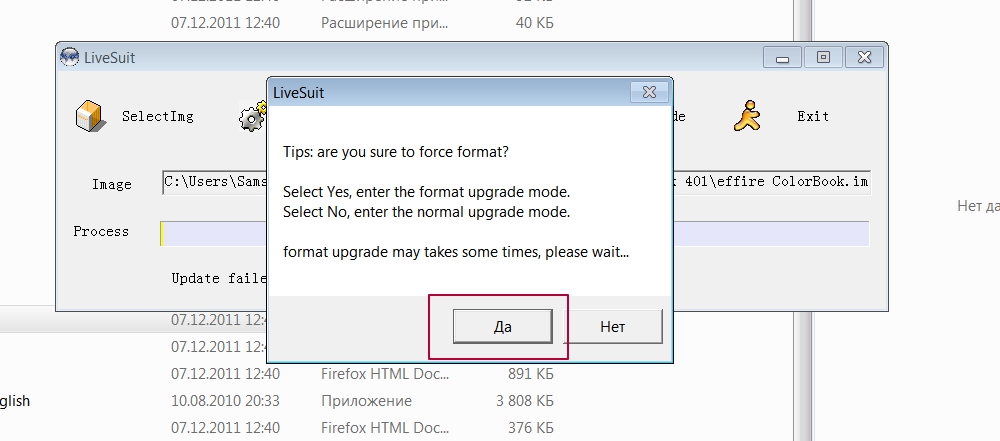
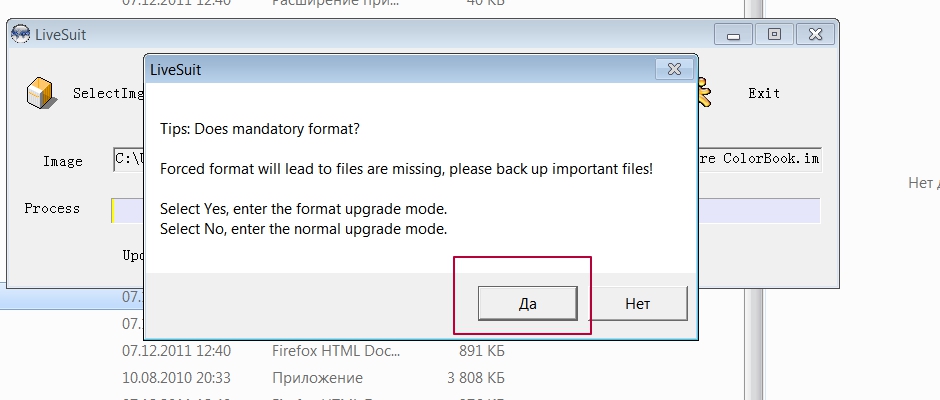
We agree and wait for the end of the Effire 401 update process
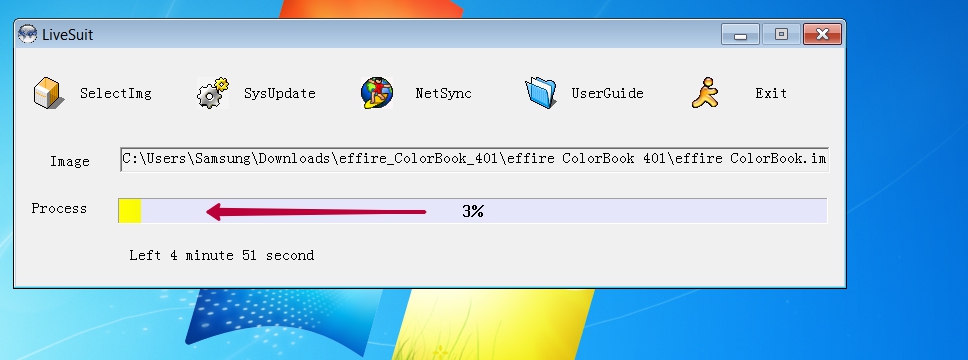
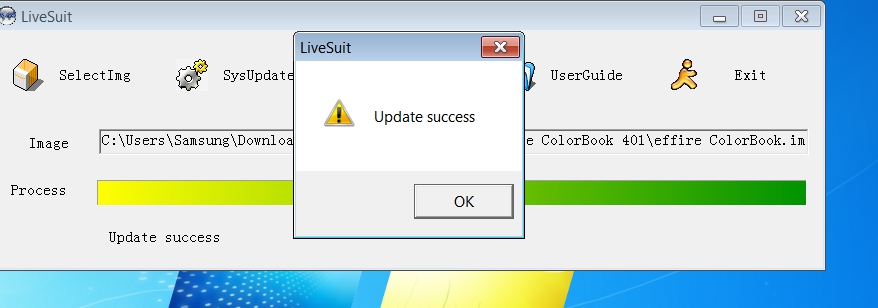
Теперь на книге Effire необходимо дождаться появления белого экрана с крестом. Это калибровка экрана. Вам необходимо нажать в центр крестика. Он переместиться 4 раза. И каждый раз в новом месте нужно нажать в центре креста. После этого книга запуститься и будет готова к эксплуатации.