
How to Install OpenClaw: The Easiest Way to Run an AI Assistant
Install OpenClaw on a VPS, connect an AI provider and Telegram bot, enable the background service, and troubleshoot the most common setup errors.
How To articles: practical guides and notes from the iNevidimka Blog archive.
Install OpenClaw on a VPS, connect an AI provider and Telegram bot, enable the background service, and troubleshoot the most common setup errors.

By default, Safari automatically unpacks downloaded archives and deletes their original files, allowing you to check their integrity through the unpacking process. If the archive is damaged, unpacking will not occur. However, automatic unzipping is not always…

When transferring sites via SSH, it was necessary to create a database backup. When entering the standard command mysqldump -u [USERNAME] -p[DATABASE_NAME] > [DATABASE_NAME].sql A password was requested, after entering which an error popped up Error: 'Access…
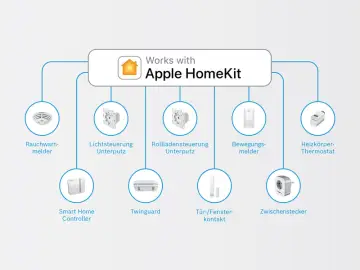
Homebridge is a lightweight NodeJS server that emulates Apple’s HomeKit ecosystem, allowing users to integrate non-HomeKit devices. The Raspberry Pi is the perfect low-cost computer for the job. Let’s take a look at how to install Homebridge on Raspberry Pi.…
Install and verify PDO_SQLITE, connect PHP to an SQLite database, use prepared statements and transactions, and fix driver, permission, or locking errors.
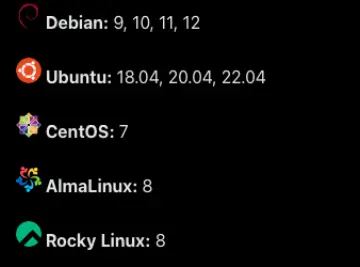
Fastpanel – is a modern server control panel that provides many tools for managing web servers, databases, mail servers and much more. Installing Fastpanel is one of the options for installing a site on a vds server. If you decide to install Fastpanel on your…
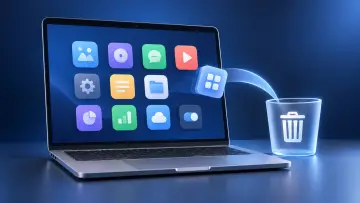
Use Finder or the app's own uninstaller to delete a Mac app, then close related processes or use Safe Mode when macOS says the app is in use.
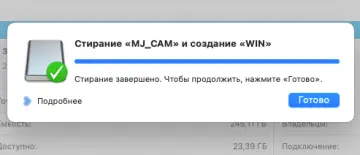
In previous years, creating a bootable USB flash drive to install Windows on a Mac or any other computer could be done using the standard Boot Camp utility. This utility not only formatted the USB flash drive and wrote a Windows image to it, but also…
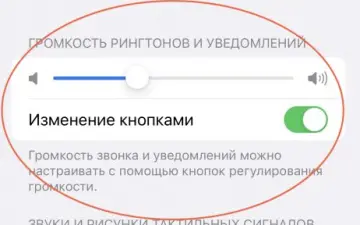
In today's time-sensitive world, your iPhone can be your go-to alarm clock. In this article, we'll show you how to set up, edit, and delete alarms on your iPhone to get the most out of them. Setting an alarm on iPhone: Open the Clock app on your iPhone and go…
iPhones have become an integral part of our daily lives, and sometimes we need to connect them to a bigger screen to share content with friends and family, watch movies and TV shows, or play video games. In this article, we will take a detailed look at the…
How to Protect Your Android Smartphone: a practical step-by-step guide from iNevidimka Blog.
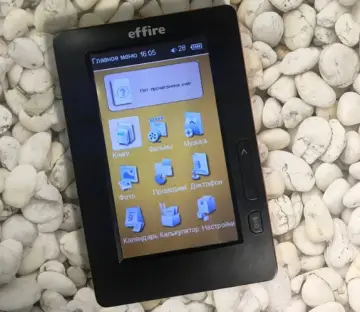
Effire 401 e-book firmware update: a practical step-by-step guide from iNevidimka Blog.
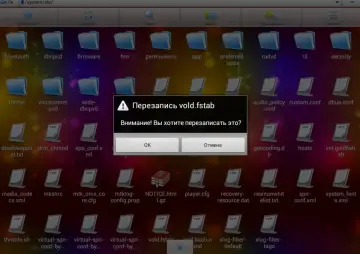
Editing the vold .fstab file will help you replace the internal memory card with an external one. If you have a tablet with 4 GB of memory, then you may have already encountered the problem of insufficient built-in memory to install programs larger than 1 GB.…
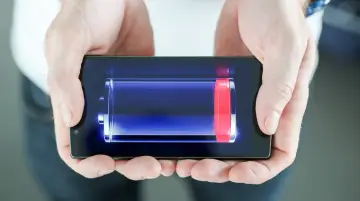
If your battery drains quickly Android , then perhaps the methods below will help solve this problem. The main reasons why the battery on Android drains quickly: Communication modules The most gluttonous consumers of charge are the mobile network, Bluetooth,…
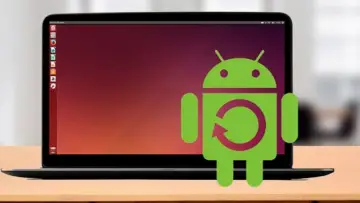
First, a little about ADB. ADB on Ubuntu allows you to: View all! folders on your tablet View tablet logs. Copy files from tablet and on him. Install/Remove applications on your tablet. Implement various control scripts. Change/add/edit various files on the…
Many tablet users Android very often encounter a problem related to blocking the device with a graphic key or a regular password. This usually happens due to the owner's inattention or forgetfulness. There are many ways to unlock on the Internet, I slightly…
Every tablet owner is often irritated by the fact that the internal memory of the tablet is much smaller than indicated in the specifications. The screen constantly displays a message that there is not enough memory for downloading the application, or simply…
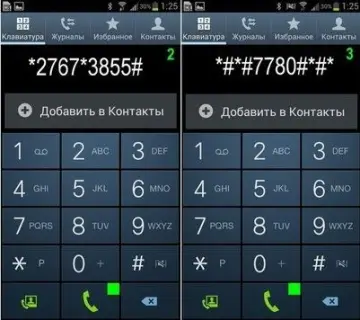
A unique feature of the Andoid system is its hidden capabilities. For example, when buying an Android device, you can fully test it by dialing a certain combination of numbers. Here is a short list of the main secret codes on Android *#*#4636#*#* phone…
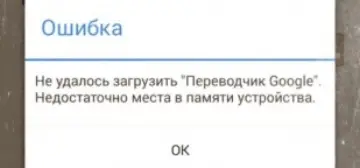
When you have many applications installed on your Android device, you may encounter an unpleasant message. " Failed to load the application. Not enough space in the device memory " The problem can be solved by increasing the memory on Android for applications…

A used phone bought at a consignment shop broke after a week! What to do and is it possible to return a used phone? In this article, we will tell you how to trust consignment shops, buy used items and defend your rights to return. Is it possible to return a…
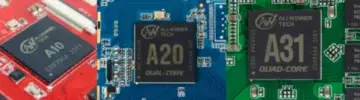
Find the correct Allwinner firmware and USB driver, identify an A523 or A100 device, and flash a verified image without guessing the board package.

Recently I took a new 6-inch smartphone on Android into service, but to use it fully I lacked the books that are on my iPad. So I asked myself the question "How to transfer books from ibooks to android? . The solution turned out to be simple. First, we need…
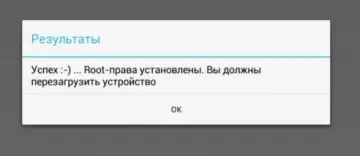
If you want to get Root rights on Android, then first find out what chipset (processor) is installed in your device - M edit , Allwinner or Rockchip . Have you figured it out? Well, shall we get started? Getting Root Rights for Tablets and Phones on Allwinner…
A used phone sale agreement records the device, condition, price, ownership promises, account-lock status, and transfer details for a private sale.
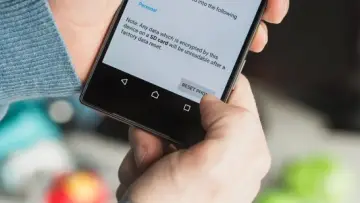
There are four ways to do this how to reset the tablet to factory settings. Usually the need for this appears when the device becomes incorrect. This could be a tablet that was purchased on a Chinese website and has no official support, or a device from a…
Android build.prop is a generated system-property file, not a universal performance switchboard, and modern devices may load values from several verified partitions.
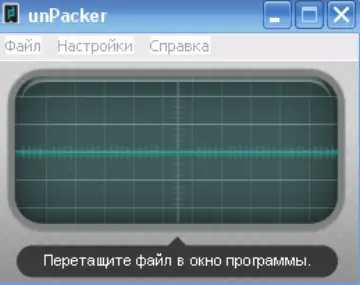
Identify, unpack, inspect, edit, and repack an Allwinner IMAGEWTY firmware image without confusing it with Android sparse images or super.img.
Use RKBatchTool or RKDevTool, install RockUSB drivers, enter Loader or Maskrom mode, and flash verified Rockchip firmware safely on Windows or Linux.
Find the original IMEI, diagnose why Android shows Unknown or Null, recover official firmware safely, and know when the modem needs professional repair.
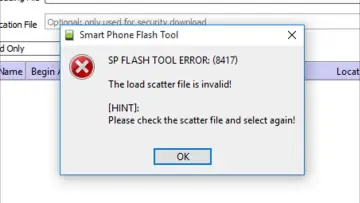
Diagnose SP Flash Tool errors safely, including 8417, 8038, 5054, invalid DA, DA stage 1, BROM, PMT, DRAM, USB, and storage failures.
Recently I encountered an interesting problem. Files are not deleted from microsd on an Android tablet with Allwinner A10/A31/A20. Files were not deleted from either the external microsd card or the built-in memory. The first thing I tried to do was to change…
More and more often, we are contacted by customers who have bought smart watches with the Internet, who are interested in the question of how to set up the Internet on smart watches. Our online store ARM Device, in addition to selling the devices themselves,…

Today, reading has become an expensive pleasure. But just a year ago, you could download e-books for free in many places on the Internet. To read a book today, you need to buy it. Many works are not cheap. This is the result of the anti-piracy campaign. This…
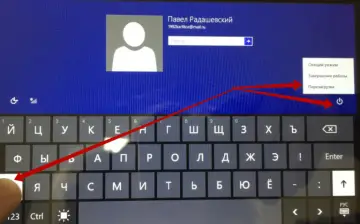
If when creating an account and registering it, you forgot your password and do not know how to unlock the Prestigio MultiPad PMP880TD tablet, then you should try to restore tablet to its factory settings. In order to unlock the Prestigio MultiPad PMP880TD…
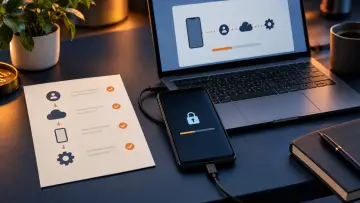
Forgot a MediaTek phone PIN or pattern? Identify the lock, recover your Google Account, reset safely, and avoid FRP, firmware, or unlock-tool traps.
Previously, the procedure for rolling back to factory settings on a Chromebook was associated with a whole set of strictly sequential actions. Such as, for example, switching to developer mode, endless reboots, etc. Now, in all versions of Chrome OS,…
Shorten the query or try the name of a device, system, or action.