MediaTek

MediaTek articles: practical guides and notes from the iNevidimka Blog archive.

Articles
12
Topics
23
Archive
2013—2026

01

android2 min

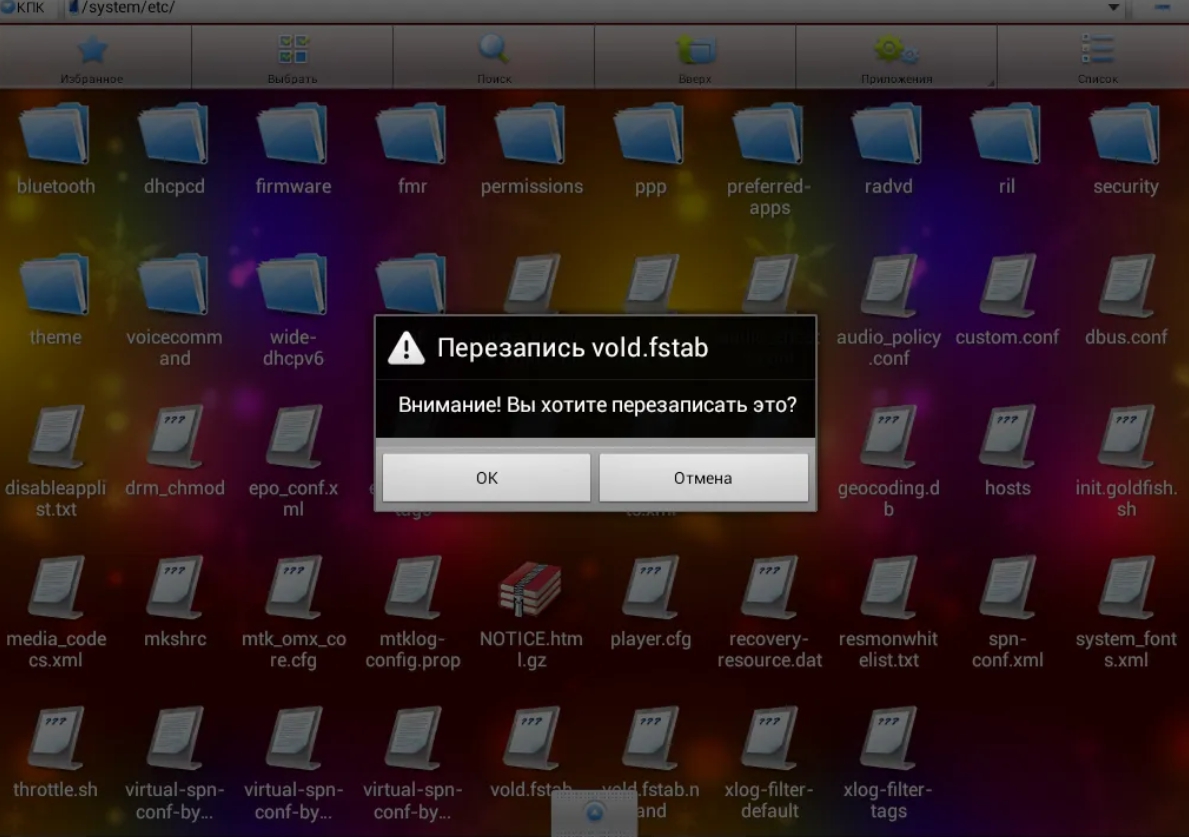
Tweaks: Editing the vold.fstab file

Editing the vold .fstab file will help you replace the internal memory card with an external one. If you have a tablet with 4 GB of memory, then you may have already encountered the problem of insufficient built-in memory to install programs larger than 1 GB.…
02

android3 min

How to reset password on Android

Many tablet users Android very often encounter a problem related to blocking the device with a graphic key or a regular password. This usually happens due to the owner's inattention or forgetfulness. There are many ways to unlock on the Internet, I slightly…

03

Allwinner4 min

Why does the tablet have less memory or how Android hides memory

Every tablet owner is often irritated by the fact that the internal memory of the tablet is much smaller than indicated in the specifications. The screen constantly displays a message that there is not enough memory for downloading the application, or simply…

04

Allwinner3 min

Secret codes for Android phones

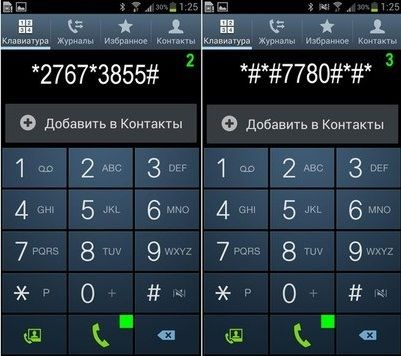
A unique feature of the Andoid system is its hidden capabilities. For example, when buying an Android device, you can fully test it by dialing a certain combination of numbers. Here is a short list of the main secret codes on Android *#*#4636#*#* phone…

05

android3 min

Program for increasing memory on Android

When you have many applications installed on your Android device, you may encounter an unpleasant message. " Failed to load the application. Not enough space in the device memory " The problem can be solved by increasing the memory on Android for applications…

06

android4 min

How to Install ClockworkMod Recovery on Android

If you are a user of devices on the Android OS, then you have probably already heard about root or installing ClockworkMod Recovery , which allows you to get full access to the Android file system with the ability to edit. In fact, having ClockworkMod…

07

Allwinner3 min

How to Root Android

If you want to get Root rights on Android, then first find out what chipset (processor) is installed in your device - M edit , Allwinner or Rockchip . Have you figured it out? Well, shall we get started? Getting Root Rights for Tablets and Phones on Allwinner…

08

Allwinner4 min

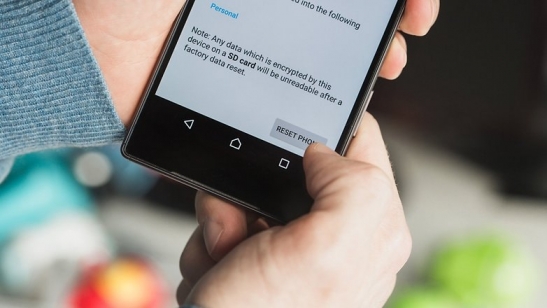
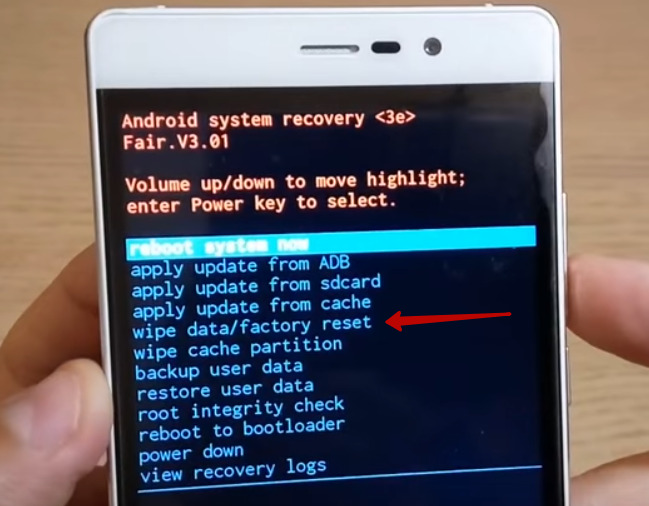
How to reset your tablet to factory settings

There are four ways to do this how to reset the tablet to factory settings. Usually the need for this appears when the device becomes incorrect. This could be a tablet that was purchased on a Chinese website and has no official support, or a device from a…

09

Allwinner3 min

Editing the build.prop file

The advantage of the operating system Android is the ability to optimize and customize it for your needs. For example, editing the system file build.prop will allow you to add a couple of improvements to the system. At the moment, you can find many programs…

10

android7 min

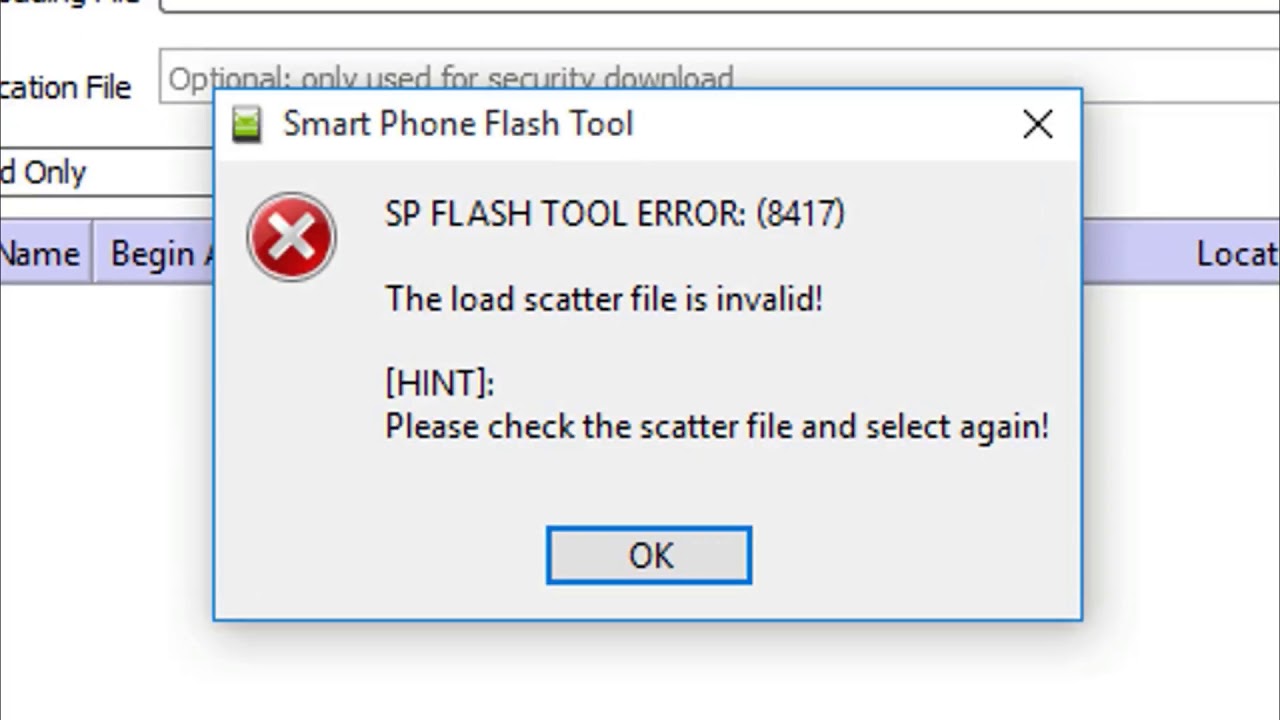
SP Flash Tool Errors and Solutions

If you encounter SP Flash Tool errors 8038, 5054, 4008, 4032 or others when updating the firmware of a device with a Mediatek e chip, I recommend that you read this article. I will say right away that SP Flash Tool errors are taken from popular sources, such…

11

android2 min

Troubleshooting File Deletion Problems on Tablet

Recently I encountered an interesting problem. Files are not deleted from microsd on an Android tablet with Allwinner A10/A31/A20. Files were not deleted from either the external microsd card or the built-in memory. The first thing I tried to do was to change…

12

How To2 min

How to Unlock a Smartphone or Tablet with a MediaTek Processor

Many people, having set a password and forgotten it, face the problem of unlocking a smartphone or tablet. You can find many ways to unlock or remove a graphic key on a smartphone on the Internet. Most of them really work. In this article, I want to describe…